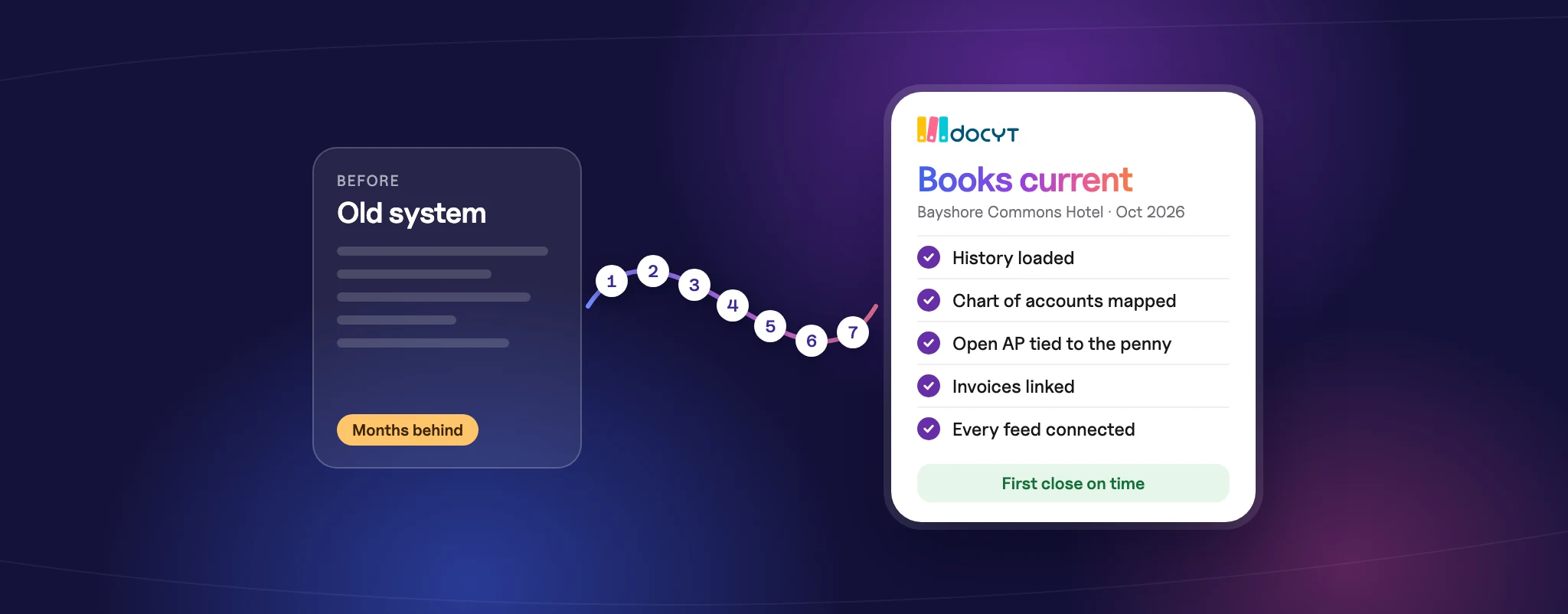
Most hotel finance teams don’t avoid a new accounting platform because they love the old one. They avoid it because of what happened last time. When we talk with hotel owners and management companies, migration risk comes up again and again. One operator told us a previous system change left their books six to nine months behind. Another worried that years of invoice attachments would be lost in the move.
Those fears are reasonable. A hotel accounting migration touches every property, every bank account, every vendor and every revenue feed at once. Done in a rush, it creates a backlog that takes the rest of the year to clear. Done in order, it can be a clean reset that leaves your books in better shape than before.
Below is the seven-step playbook we recommend to hotel groups planning a switch, whether you run one property or forty.
Why hotel accounting migrations fall behind
In our experience, migrations rarely fail because of the new software. They slip because of a handful of predictable gaps:
- Too much history, or too little. Teams either try to move every transaction from the last decade or bring over only opening balances, leaving owners without the comparisons they expect.
- Open payables get lost in the gap. Bills entered in the old system but not yet paid are paid twice or not at all.
- Supporting documents stay behind. Invoices and receipts live in the old platform, and nobody exports them until access is about to expire.
- No parallel run. The team switches every property on the same day with no way to prove the new books match the old ones.
- Feeds are reconnected late. PMS, bank, card and payroll connections are set up after go-live, so transactions pile up uncategorized.
Each step below closes one of these gaps.
Step 1: Decide how much history to migrate
Start with the reports your owners, lenders and asset managers already expect. If owner statements compare this month to the same month last year, you need at least 12 months of detail. If you budget against two prior years, plan for 24.
A practical split for most hotel groups:
- Detailed transactions for the current fiscal year and the prior year, so year-over-year reporting works from day one.
- Monthly trial balances for older periods, which keeps historical trends available without moving every line.
- Opening balances as of the cutover date for every balance sheet account, tied out to bank statements and loan statements.
Write this decision down before any data moves. It sets the scope for everyone involved, including your CPA.
Step 2: Map your hotel chart of accounts before you move data
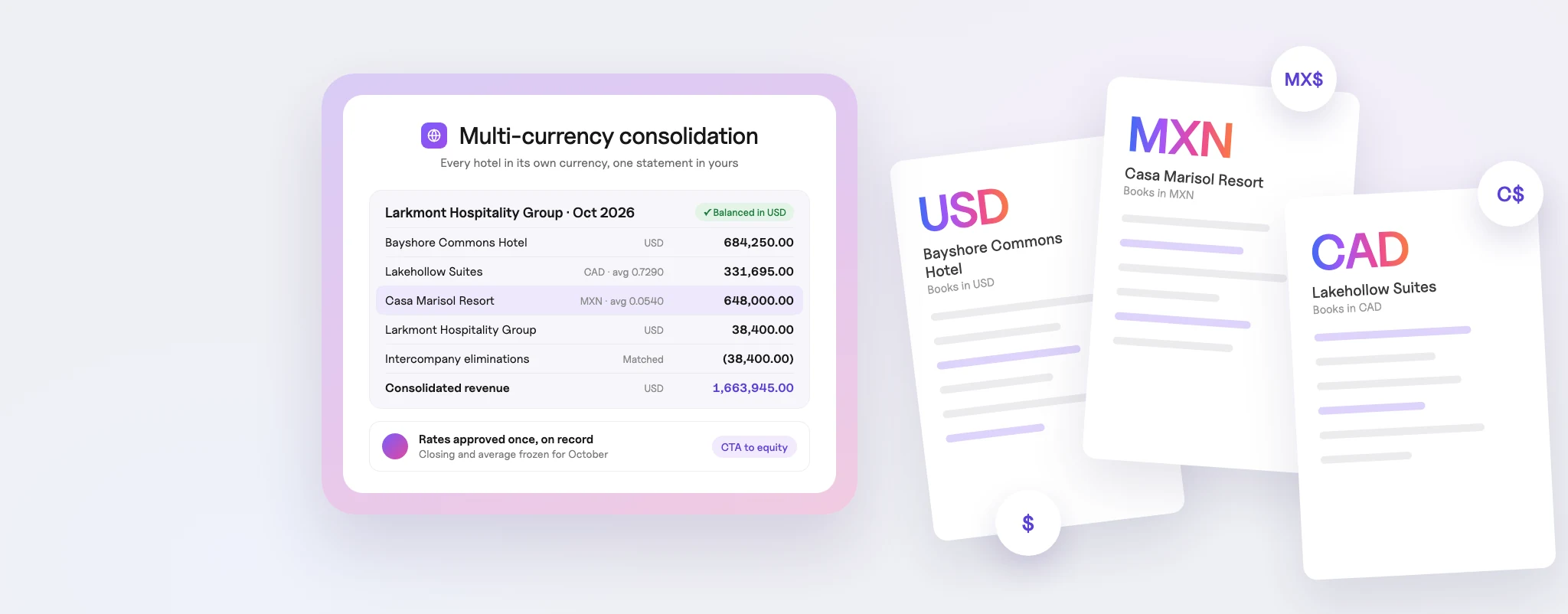
A migration is the best chance you will get to clean up your chart of accounts. If each property has drifted into its own version over the years, mapping every account to one standard structure now saves hours on every portfolio report later. We cover the approach in detail in our guide to standardizing a chart of accounts across hotel brands and property types.
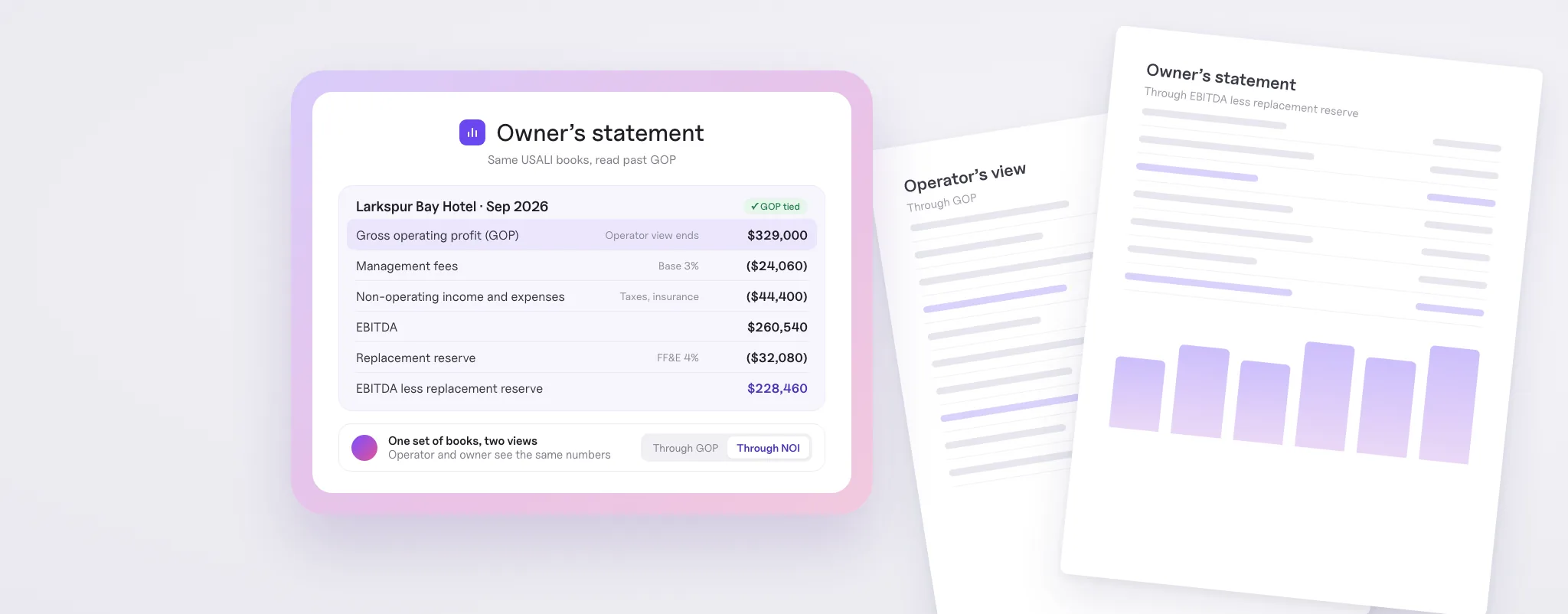
Timing matters here too. The USALI 12th Revised Edition published by HFTP and AHLA has an adoption date of January 1, 2026. It refines several revenue and expense categories and adds new schedules, including payroll full-time equivalents and an Energy, Water and Waste schedule. If you are mapping accounts anyway, map them to the current edition so you don’t have to do it twice.
Step 3: Freeze and move open accounts payable
Open payables are where migrations most often go wrong, because a single missed bill can turn into a late fee or a duplicate check. Before cutover:
- Pick a cutover date and stop entering new bills in the old system after it.
- Export the full open AP list by property, including invoice dates, due dates and amounts.
- Bring over the vendor master with payment details, W-9 status and year-to-date 1099 totals.
- Mark every bill as paid or open in the new system, and reconcile the total to the old system’s AP aging.
- Confirm any checks or ACH payments issued in the final days so they are not paid again.
Treat the AP aging as a control total. If the old and new totals don’t match to the penny, stop and find out why before moving on.
Step 4: Preserve invoice attachments and supporting documents
Losing years of invoices and receipts is one of the most common worries we hear, and it is a legitimate one. Those documents support your tax returns, your audits and your answers to owners.
The IRS record retention guidance sets periods that range from three years for most income tax records to at least four years for employment tax records, and longer in some cases, such as property records you depreciate. Lenders, insurers and franchise agreements may require even more.
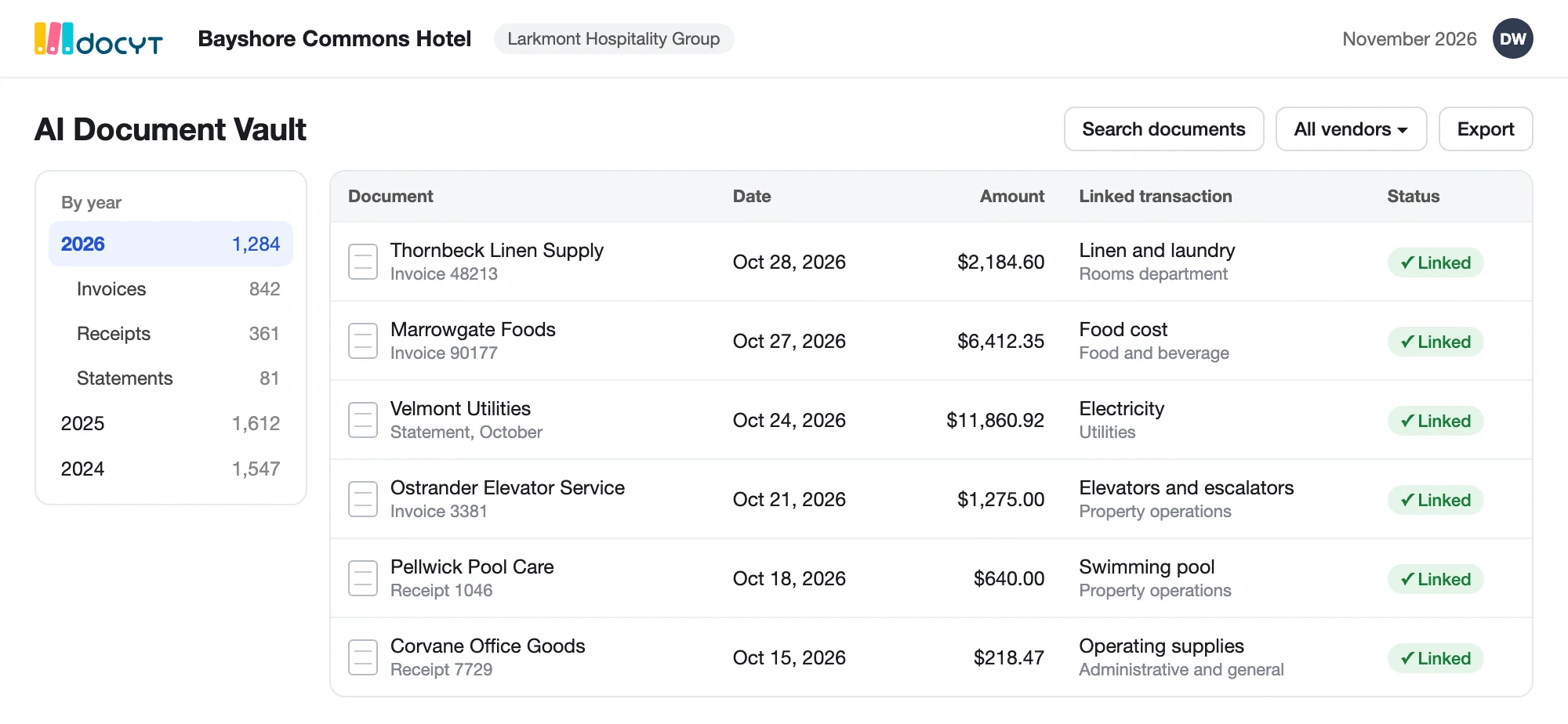
Before you lose access to the old platform, export every document and organize it by property and year. Then decide which documents to load into the new system. In Docyt, invoices and receipts live in a document vault where each file stays linked to its transaction, and our AI captures and codes new documents as they arrive. You can see how that works in our post on hotel invoice extraction and document capture.
Step 5: Run parallel books on a pilot property
A parallel run is the single best protection against falling behind. Instead of switching your whole portfolio at once, pick one or two properties and run them in both systems for at least one full month-end close.
During the pilot, compare:
- The P&L by department and the balance sheet, line by line
- Bank and credit card reconciliations for every account
- Daily revenue postings from the PMS against deposits
- The AP aging and vendor balances
Agree on sign-off criteria before you start, such as “balance sheets match within an agreed tolerance and every variance is explained.” When the pilot passes, you have proof the process works, and your team has already learned the new workflow on a small scale. Many operators bring the rest of the portfolio over in waves after that.
Step 6: Choose the right cutover date
There is no perfect date, but some are much better than others:
- Fiscal year-end gives you clean annual books in one system, but it collides with year-end close, tax preparation and budget season.
- Mid-year, at a month-end spreads the workload, but your annual reports will draw from two systems.
- Before budget season lets you build next year’s budget on current data in the new platform, which is why some groups aim to finish before January.
Whichever you choose, avoid your busiest operating weeks and any period when key finance staff are out. Always cut over at a month-end, never in the middle of a period.
Step 7: Reconnect every feed and verify the first close
A new system is only as current as the data flowing into it. Connect each feed before go-live and confirm it is posting correctly:
- PMS and POS daily revenue, including how each revenue code maps to your chart of accounts
- Bank and corporate card feeds for every account and property
- Payroll and time clock data
- Merchant processor deposits for revenue-to-deposit matching
Then treat the first month-end close as a review, not a formality. Tie every bank account, confirm revenue matches the PMS and check that open AP rolled forward correctly. Catching a mapping error in month one is easy. Catching it in month six is how teams end up months behind.
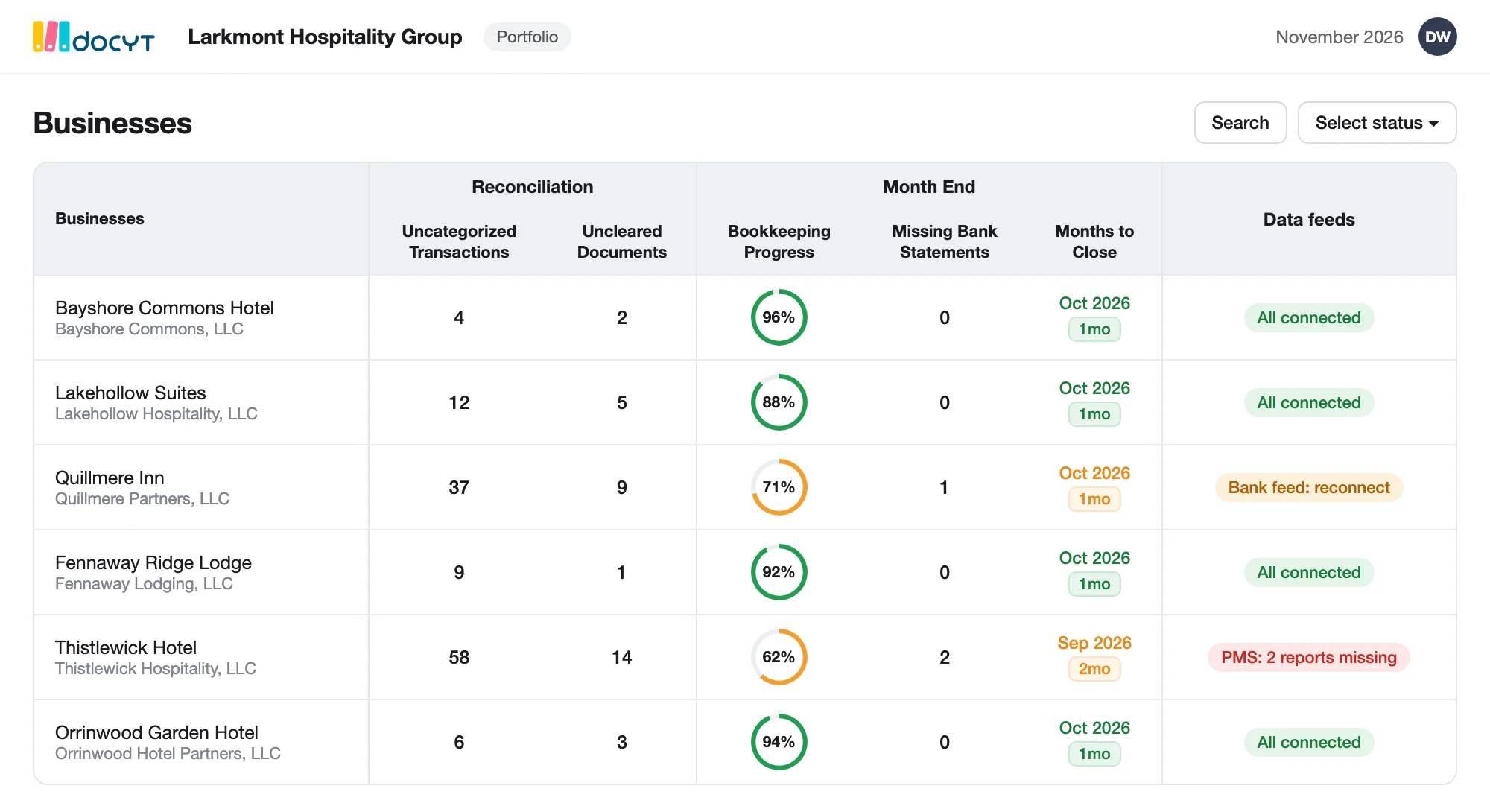
How we approach hotel accounting migrations at Docyt
We built our onboarding process around the gaps above. When a hotel group moves to Docyt, our team works with yours to:
- Map your chart of accounts, and standardize it across properties if you choose
- Bring over the historical data your reporting needs
- Connect your PMS and POS systems, bank and card feeds, and payroll
- Run parallel books before go-live so you can compare results with confidence
If your books are already behind when you switch, our catch-up bookkeeping can help close the gap. Dalwadi Hospitality Management, for example, cleared more than three months of backlog across seven hotels with Docyt. Docyt works with QuickBooks Online or our own native ledger, and your data stays exportable, so you are never locked in.
Summary: hotel accounting migration at a glance
- Why migrations slip: unclear history scope, lost open payables, documents left behind, no parallel run and late feed connections.
- Step 1: Decide how much history to migrate, based on the reports owners and lenders expect.
- Step 2: Map and standardize your chart of accounts, ideally to USALI 12th Revised Edition.
- Step 3: Freeze open AP at cutover and tie the aging to the penny.
- Step 4: Export and preserve invoices and receipts for required retention periods.
- Step 5: Run parallel books on one or two pilot properties for a full close.
- Step 6: Cut over at a month-end, timed around year-end, budget season and peak weeks.
- Step 7: Connect every feed before go-live and review the first close in detail.
Ready to plan your switch?
If migration risk is what’s keeping your team on an old system, let’s talk it through. We’ll walk you through how our onboarding works for a portfolio like yours, from chart of accounts mapping to your first close. Schedule time with Docyt to learn more.